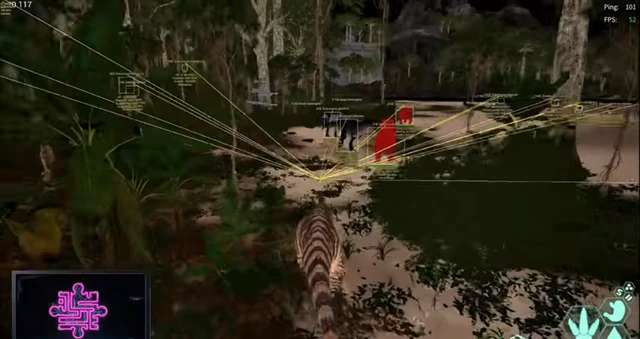
Player ESP
See survivors on the map
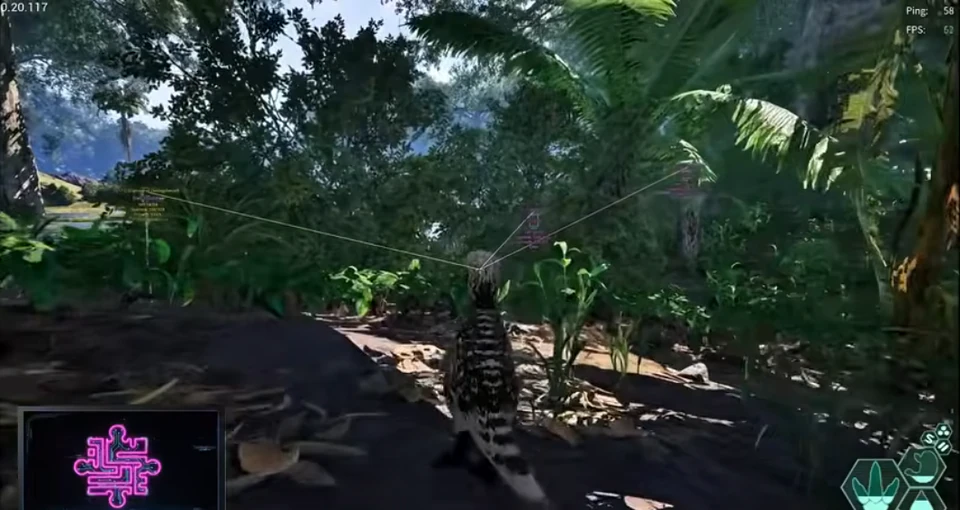
Highlight other players with boxes, distance, and name tags so you can avoid ambushes or plan hunts.
- Player boxes and distance readouts
- Custom ESP colors
- Team / threat filtering where supported
Buy The Isle cheats for PC — player ESP, dinosaur ESP, and utilities (HWID Spoofer, Cloud DMA, UGC Tools). Independent site; not affiliated with the game developer.

Yes
Stream-safe
<24h
Patch speed
300+
Users
24/7
Support
Cheat features
Player ESP, dinosaur ESP, and survival awareness — modules aligned with the vendor The Isle product page (Evrima / EAC).
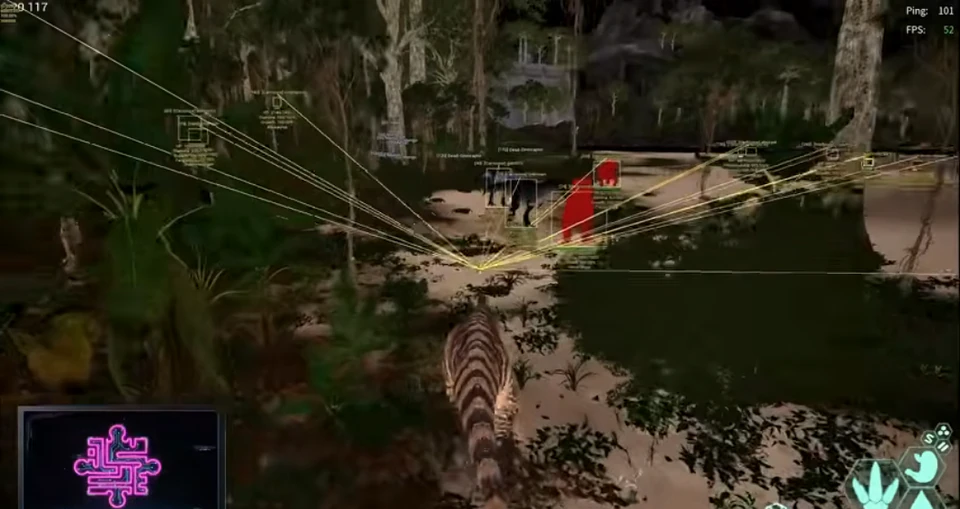
See survivors on the map
Highlight other players with boxes, distance, and name tags so you can avoid ambushes or plan hunts.
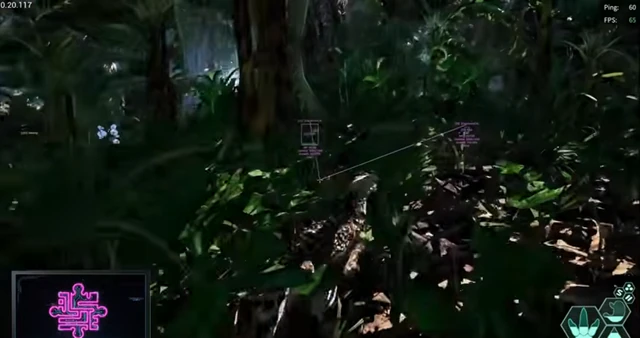
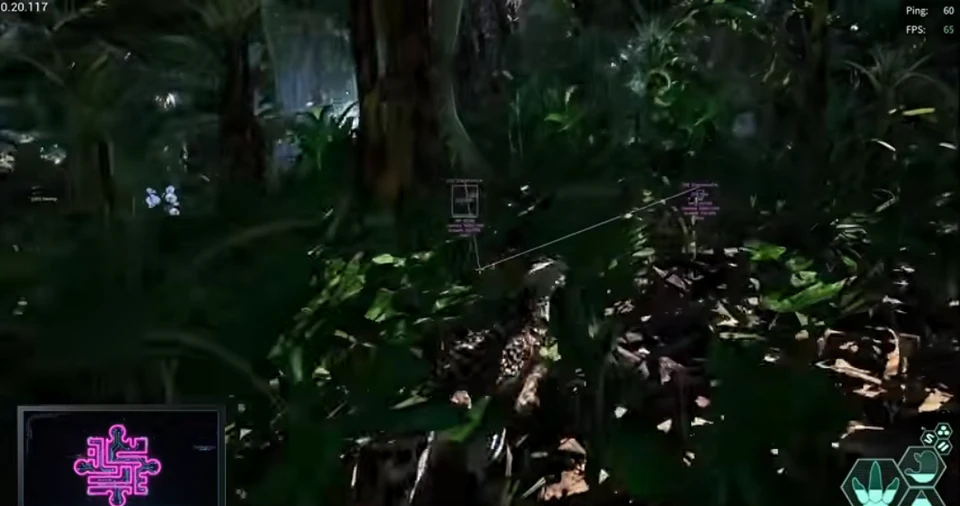
Track threats and prey
Spot dinosaurs, NPCs, and wildlife through terrain — species and growth info when exposed by the loader.
Readable in dense foliage
Tune line thickness, opacity, and max render distance for Evrima maps and night cycles.
Required infrastructure
Vendor stack expects Cloud DMA for full functionality — one-time lifetime access per partner FAQ.
Hardware recovery utility
Guided spoof workflow for disk, MAC, and GPU identifiers when EAC flags your PC.
Appeals & disputes
Structured appeal and dispute workflows for account restrictions (vendor game-accounts product).
Hide overlays on stream
Keep ESP on your monitor while OBS or Game Bar records a clean feed.
After every patch
Sync presets to the cloud and reload the loader when The Isle or Easy Anti-Cheat updates ship.
PC survival servers
Built for The Isle on Windows PC — confirm branch compatibility on the product page before you buy.
Shop
HWID Spoofer, Cloud DMA, and UGC Tools — each with its own checkout link and pricing.
Why our cheats
Most cheat shops go dark after EAC patches. We link verified partner checkout, document patch-day steps, and point you to Discord support.
<24h
Patch turnaround
Usual time to ship a loader after a big The Isle or EAC update.
24/7
Support
Discord help for setup, configs and account issues.
300+
Users
PC players using ESP and utilities on buyislecheat.com.
Setup
Buy your The Isle cheat, download the loader, load a preset, then open The Isle. Discord help is there if you get stuck.
How it works
Buy The Isle cheats, download the loader, turn on modules, save your config for next match.
4 steps
Read the live banner on buyislecheat.com before you buy or launch.
Choose The Isle Cheats or a utility (HWID, Cloud DMA, UGC) on the product hub.
Download from the portal, load a safe preset, and test ESP in a short private session.
When overlays feel readable, save your ESP preset to the cloud for next session.
Guides
ESP setup, Evrima notes, compatibility questions, and EAC patch-day checks.
What the vendor lists for The Isle — player ESP, animal ESP, Cloud DMA requirement, and checkout on buyislecheat.com.
Distance caps, colors, and readability tips for player and dinosaur ESP on live servers.
Status banner, loader reload, and conservative profiles after every The Isle or EAC update.
Cheat FAQ
Straight answers on ESP, utilities, bans, and setup — see the full FAQ for every topic.